
Introduction
Customizing a video game controller is one of the best ways to make your gaming setup feel personal. With the right prep, paint, and finishing products from Angelus, you can turn a standard controller shell into a fully custom piece of art. Follow this quick 5-step guide to get professional results at home featuring @sneakart_custom
Creator Spotlight
Creator Spotlight
Creator Spotlight
Creator Spotlight
Creator Spotlight
Creator Spotlight
Creator Spotlight
Creator Spotlight
Creator Spotlight
Creator Spotlight
Creator Spotlight
Creator Spotlight
Creator Spotlight
Creator Spotlight
Creator Spotlight
Creator Spotlight
Creator Spotlight
Creator Spotlight
Creator Spotlight
Creator Spotlight
Téo @sneakart_custom
My name is Téo, I’m 26 years old, and I’m originally from the south of France. I’ve been doing custom work for four years now.
I mainly customize sneakers, but I also work on game controllers, canvases, and sculptures.
I learned all the techniques I needed by attending an art and design school a few years ago called École de Condé in Nice, where I earned my Bachelor’s degree in Product Design. That’s when I decided to move toward a more artistic career.
I’ve been passionate about art and drawing since I was very young, and I’ve always been a creative person.
Custom work has allowed me to develop my creative mind while meeting clients’ needs, which, to me, is the perfect mix between art and design.
Creator Spotlight
Creator Spotlight
Creator Spotlight
Creator Spotlight
Creator Spotlight
Creator Spotlight
Creator Spotlight
Creator Spotlight
Creator Spotlight
Creator Spotlight
Creator Spotlight
Creator Spotlight
Creator Spotlight
Creator Spotlight
Creator Spotlight
Creator Spotlight
Creator Spotlight
Creator Spotlight
Creator Spotlight
Creator Spotlight
How to Customize Video Game Controllers: A 5-Step Guide
Prep the Controller
Take apart the controller. Lightly sand the shell with a fine-grit sanding sponge, then wipe it clean with Angelus Leather Preparer & Deglazer to remove oils and factory finishes. This gives the paint a perfect surface to bond to. Tape any areas you do not want painted.

Take apart the controller. Lightly sand the shell with a fine-grit sanding sponge, then wipe it clean with Angelus Leather Preparer & Deglazer to remove oils and factory finishes. This gives the paint a perfect surface to bond to. Tape any areas you do not want painted.
Base Coat
Lay down a base coat using Angelus White Paint. Apply 2-3 thin, smooth layers with a soft brush or airbrush, letting each coat dry before adding the next. This creates a solid base for your design.

Airbrush Backgrounds
Use an airbrush with Angelus Paint (mixed with 2- Hard) to spray gradients, fades, or background colors. Angelus paint atomizes smoothly and adheres extremely well to plastics when properly prepped.

Paint Details
Switch to Detail Brushes for linework, characters, patterns, or logos. Angelus Paint’s high pigment load makes it ideal for crisp details. Take your time building layers until the artwork pops.

Finish
Seal your custom controller with Angelus Matte, Satin, or High Gloss Acrylic Finisher. Apply multiple light coats to protect the artwork from handling, sweat, and long gaming sessions.

Creator Questions
In Cannes in the south of France
I discovered Angelus Paint at the same time I got into sneaker customization, through social media! Most of the artists I saw were using Angelus products.
I use Angelus products mainly to paint sneakers and video game controllers. I also sometimes use them for restoration work or to create canvases.
My top 5 Angelus products would be:
1. Paradise Purple Paint
2. 2-Soft
3. Applicator Pads
4. The Collector Edition Paint range
5. The Acrylic finisher
Don’t wait or be afraid to get started - the best way to improve or find a style you love is to try!
And remember: when you’re creating, you can’t really mess up - the only limit is your imagination. ✌🏽
🛒 Téo's Top 5 Angelus Products

High Gloss 4-Coat
$6.95

Angelus Neon Paradise Purple Paint
$4.95
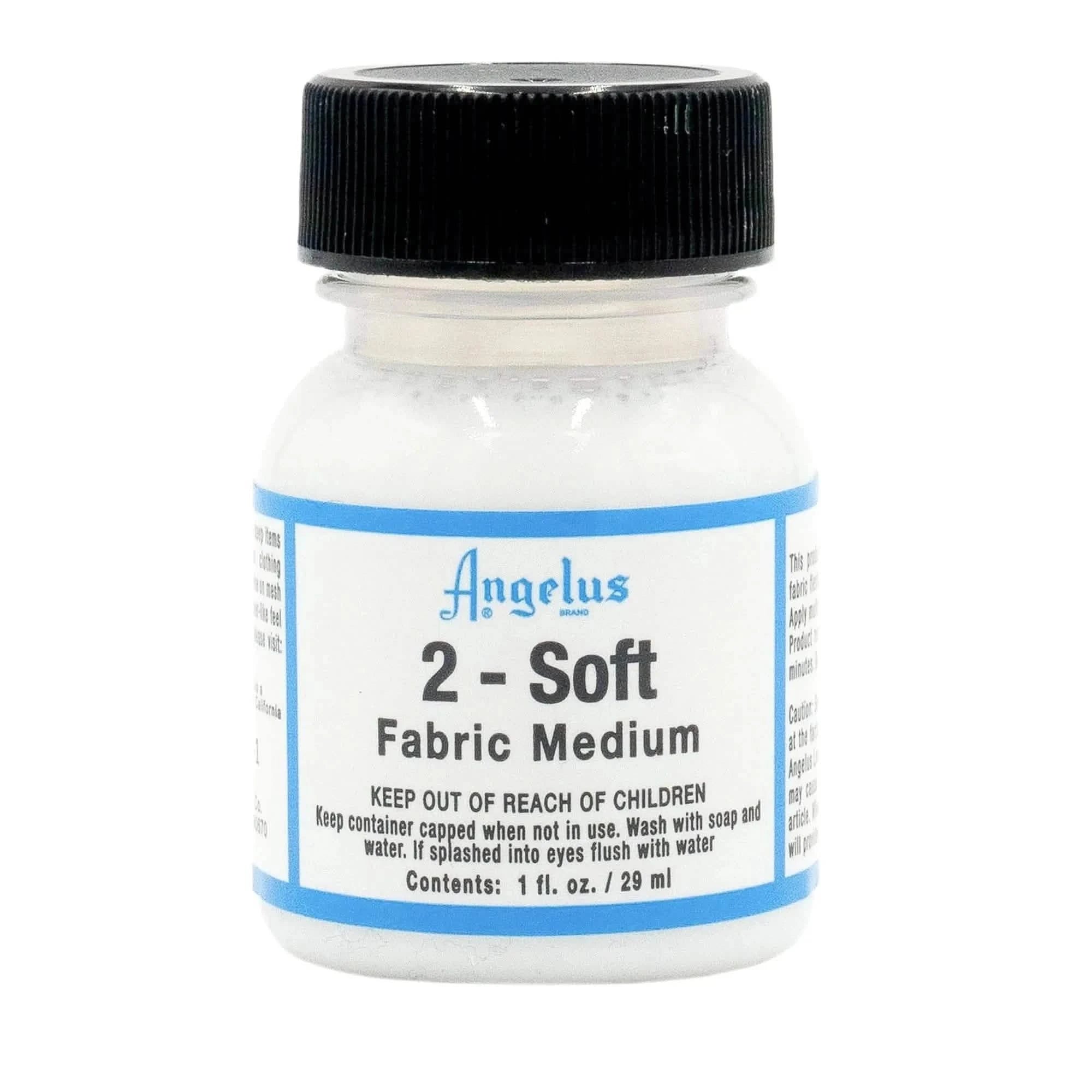
2-Soft Fabric Medium
$3.95
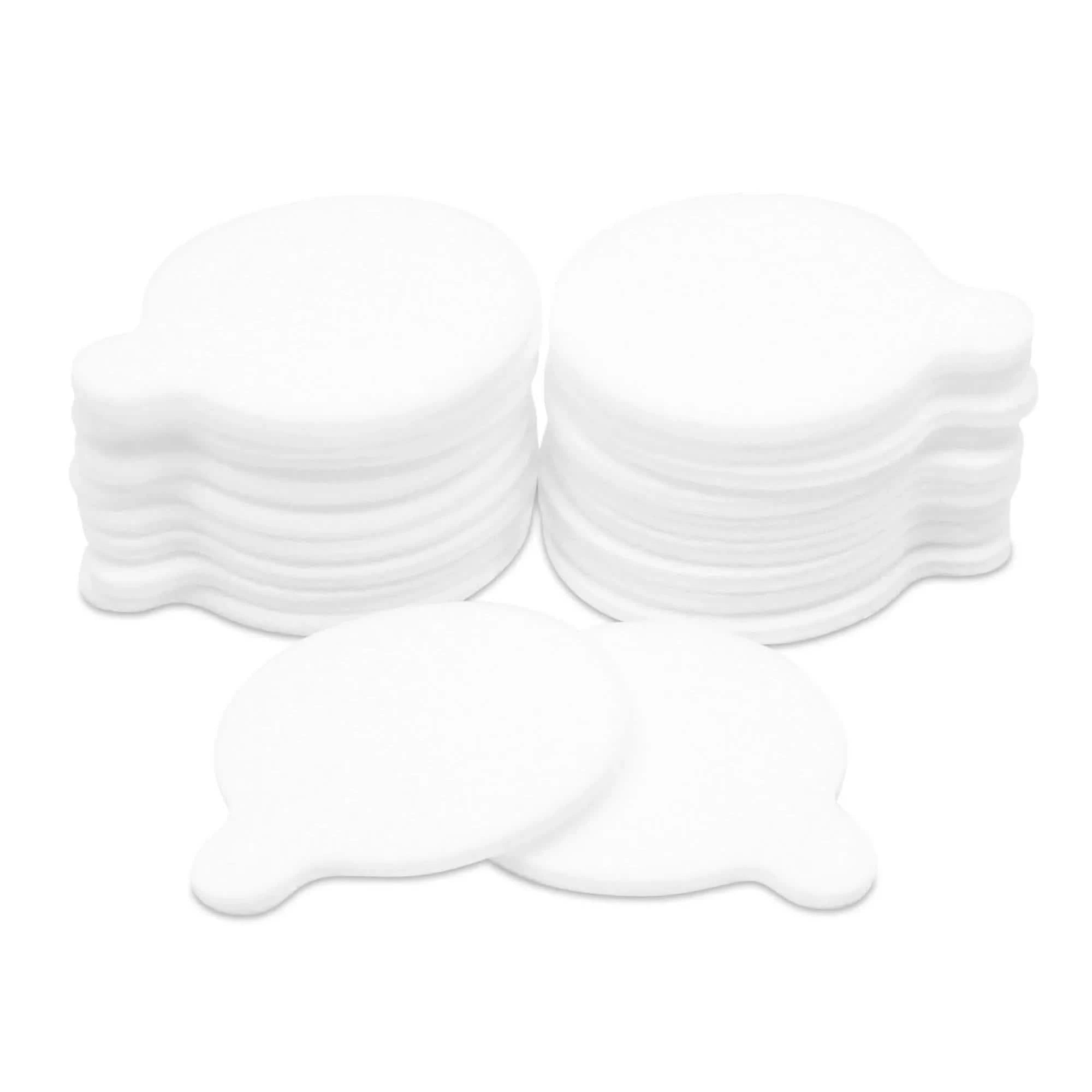
All-Purpose Applicator Pads
$5.95
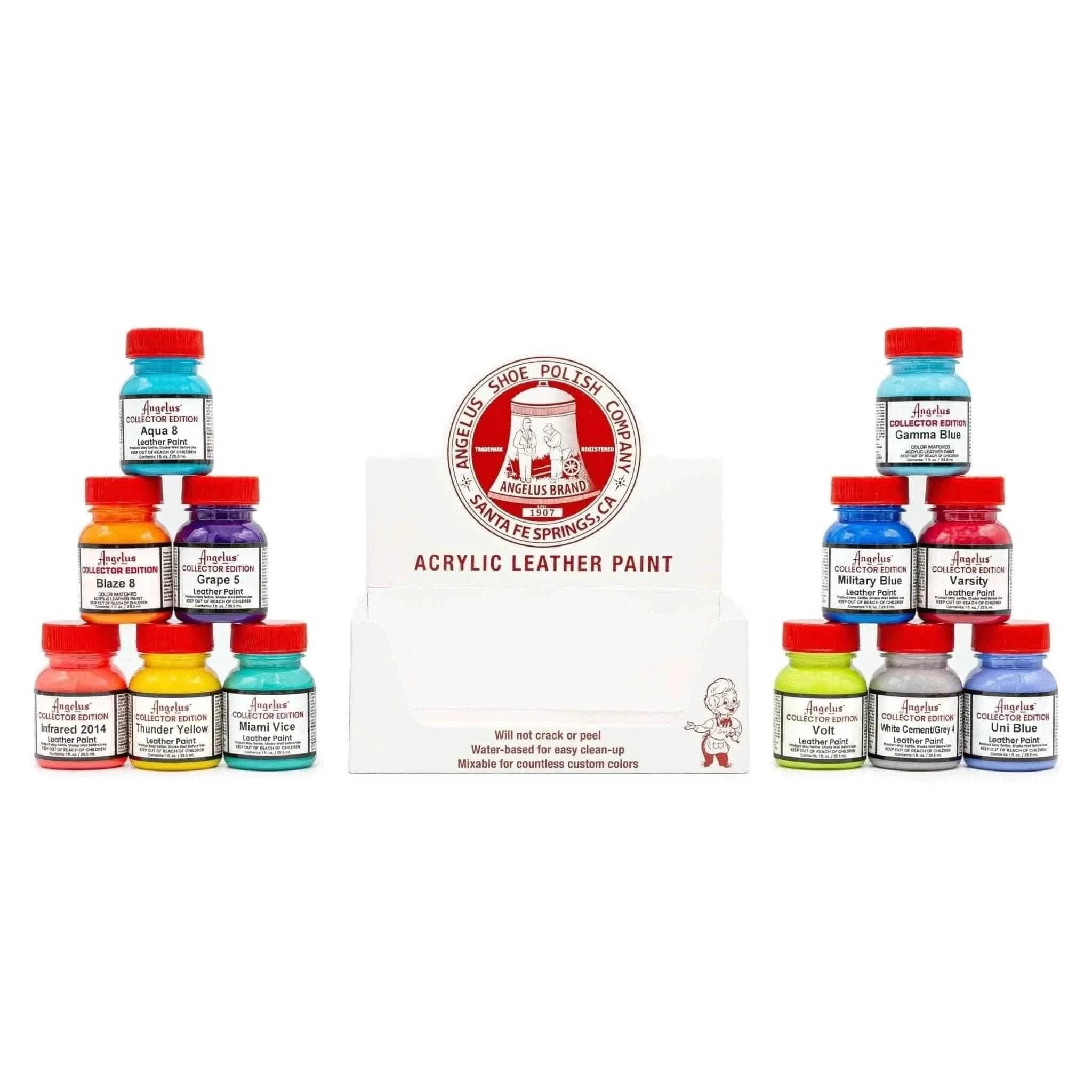
12 Color Collector Edition Assortment Kit
$74.95
-$83.40
High Gloss 4-Coat
$6.95
Angelus Neon Paradise Purple Paint
$4.95
2-Soft Fabric Medium
$3.95
All-Purpose Applicator Pads
$5.95
12 Color Collector Edition Assortment Kit
$74.95
-$83.40
High Gloss 4-Coat
$6.95
Angelus Neon Paradise Purple Paint
$4.95
2-Soft Fabric Medium
$3.95
All-Purpose Applicator Pads
$5.95
12 Color Collector Edition Assortment Kit
$74.95
-$83.40
High Gloss 4-Coat
$6.95
Angelus Neon Paradise Purple Paint
$4.95
2-Soft Fabric Medium
$3.95
All-Purpose Applicator Pads
$5.95
12 Color Collector Edition Assortment Kit
$74.95
-$83.40
High Gloss 4-Coat
$6.95
Angelus Neon Paradise Purple Paint
$4.95
2-Soft Fabric Medium
$3.95
All-Purpose Applicator Pads
$5.95
12 Color Collector Edition Assortment Kit
$74.95
-$83.40
High Gloss 4-Coat
$6.95
Angelus Neon Paradise Purple Paint
$4.95
2-Soft Fabric Medium
$3.95
All-Purpose Applicator Pads
$5.95
12 Color Collector Edition Assortment Kit
$74.95
-$83.40
Unlock More Inspiration
Dive deeper into our Creator Spotlight series and discover new tutorials from top artists in the community. Whether you're looking to master advanced techniques or spark fresh ideas, these step-by-step guides will take your custom game to the next level.